Nine video types and six kinds of series, one project
Every video type has its own dramaturgy and checks that the agent knows. Exploring your product happens only once; after that each video costs only its length.
By video type
-
Sales demo
A sales video that actually shows your product.
Product demo video for SaaS and web apps: an AI agent explores your product, you approve the script, and the sales demo ships with narration and captions.
Typical length: 60–120 seconds
-
Feature spotlight
One feature. One short video. Ready to share.
Announcing a new feature? A feature spotlight shows where it lives, what it changes and the two to four steps to use it, recorded in your real interface.
Typical length: 30–60 seconds
-
Onboarding
The first steps, shown instead of explained.
An onboarding video shows new users the first steps in your software, in the order of an explored flow, with narration and captions.
Typical length: 60–180 seconds
-

Training
One area of your software, explained thoroughly.
Training video without a recording session: one area of your software in numbered chapters, a calm pace, burnt-in captions and a recap.
Typical length: 2–6 minutes
-
What's new
What's new? As a video, with evidence.
Turn release notes into a short video: only changes your changelog backs up, each shown on its page in the current interface.
Typical length: 45–120 seconds
-
How-to
A support question becomes a video.
How-to video in 20 to 60 seconds: the answer first, then the steps, then the finished state. A support question becomes a video in your interface.
Typical length: 20–60 seconds
-
Investor proof
Every statement backed by evidence from the product.
An investor video that backs every statement with a scene from the running software, with a proof appendix. No mocks, no hidden elements.
Typical length: 45–120 seconds
-
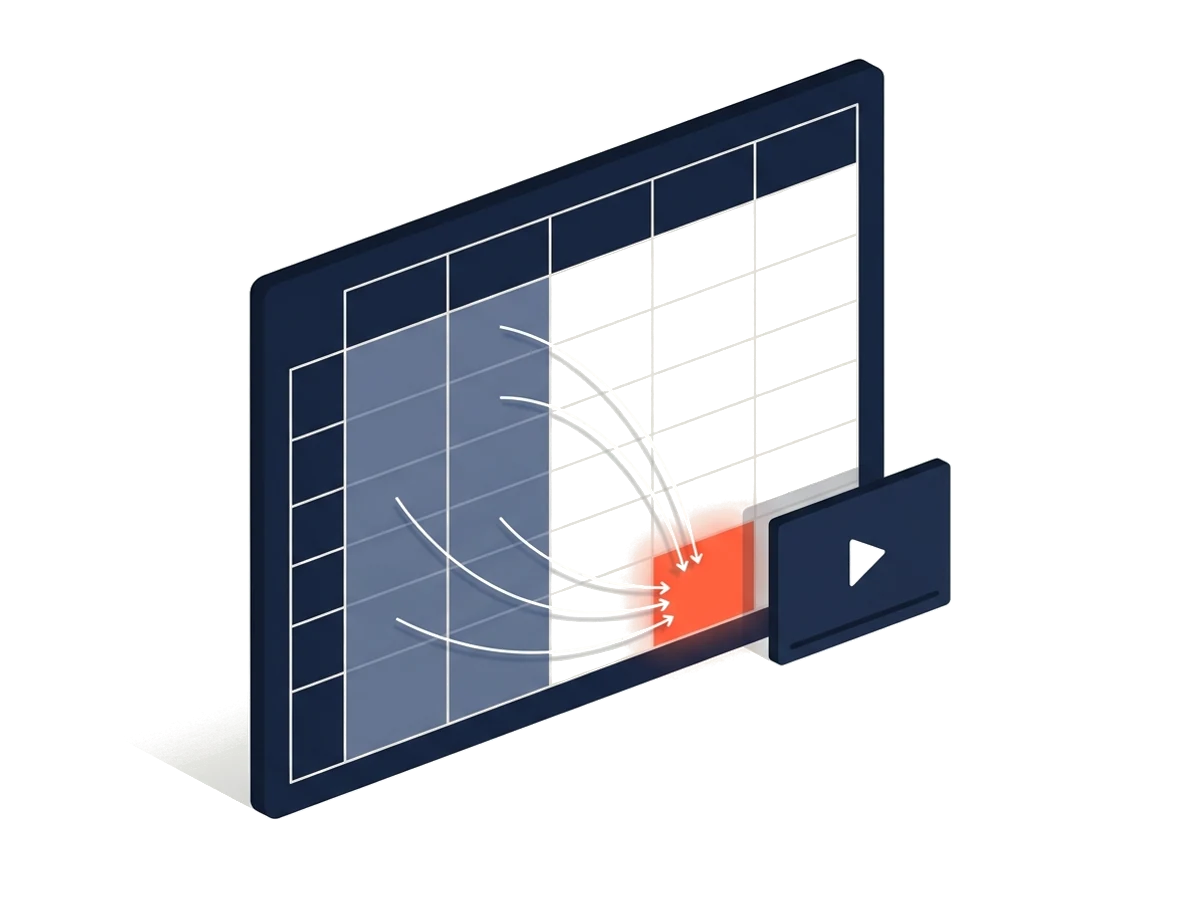
Data explainer from Excel
Your Excel file, clearly explained.
Upload an Excel file and Klickdemo explains it as a video: purpose, inputs, the key formulas, outputs and caveats, with highlighted cells.
Typical length: 45–180 seconds
-
Shorts
One message, up to 60 seconds, vertical.
Vertical short videos (9:16) from your web app: one message, a short hook, large captions. In the phone layout or as a guided crop.
Typical length: 15–60 seconds
As a series
Several videos from one shared concept. The kind of series decides whether the parts build on each other or stand alone, what each part focuses on and whether there are Shorts or a cadence.
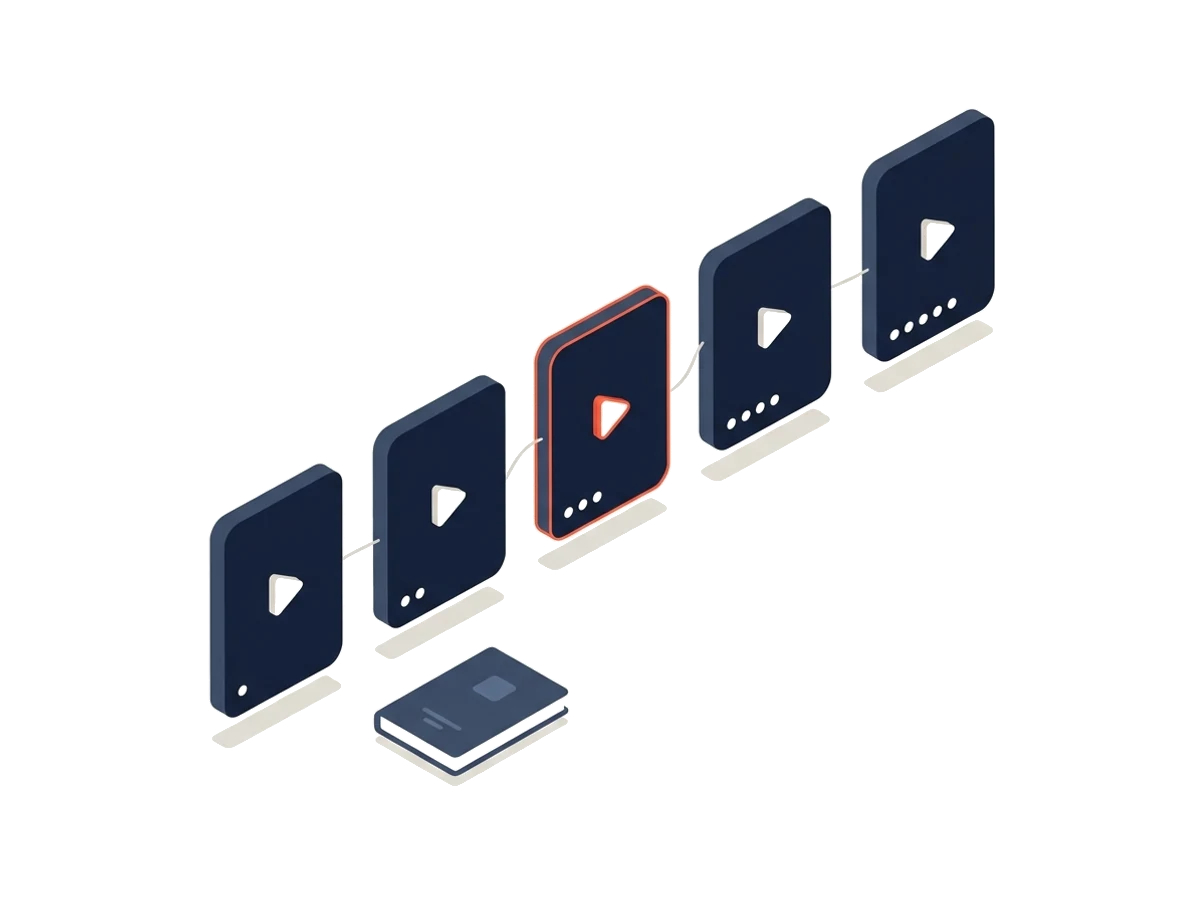
Video series
Many videos, one concept: series for manuals, marketing and support.
Video series from your software: handbook, feature series, onboarding course, FAQ, audiences, news. The agent proposes the concept, you approve it.
Typical length: 20 seconds to 6 minutes per part, depending on the kind
- Handbook Parts build on each other, each points to the next one.
- Marketing One feature per part, the same hook, optionally as a Short.
- Onboarding course Lessons in order, each ends with a small task.
- FAQ/Support One short how-to per common question.
- Audiences The same product, one audience or industry per part.
- Ongoing news One part per changelog entry, new entries as a proposal.
By source
What the agent works with: a web app behind a login, a public website or an Excel file.
-
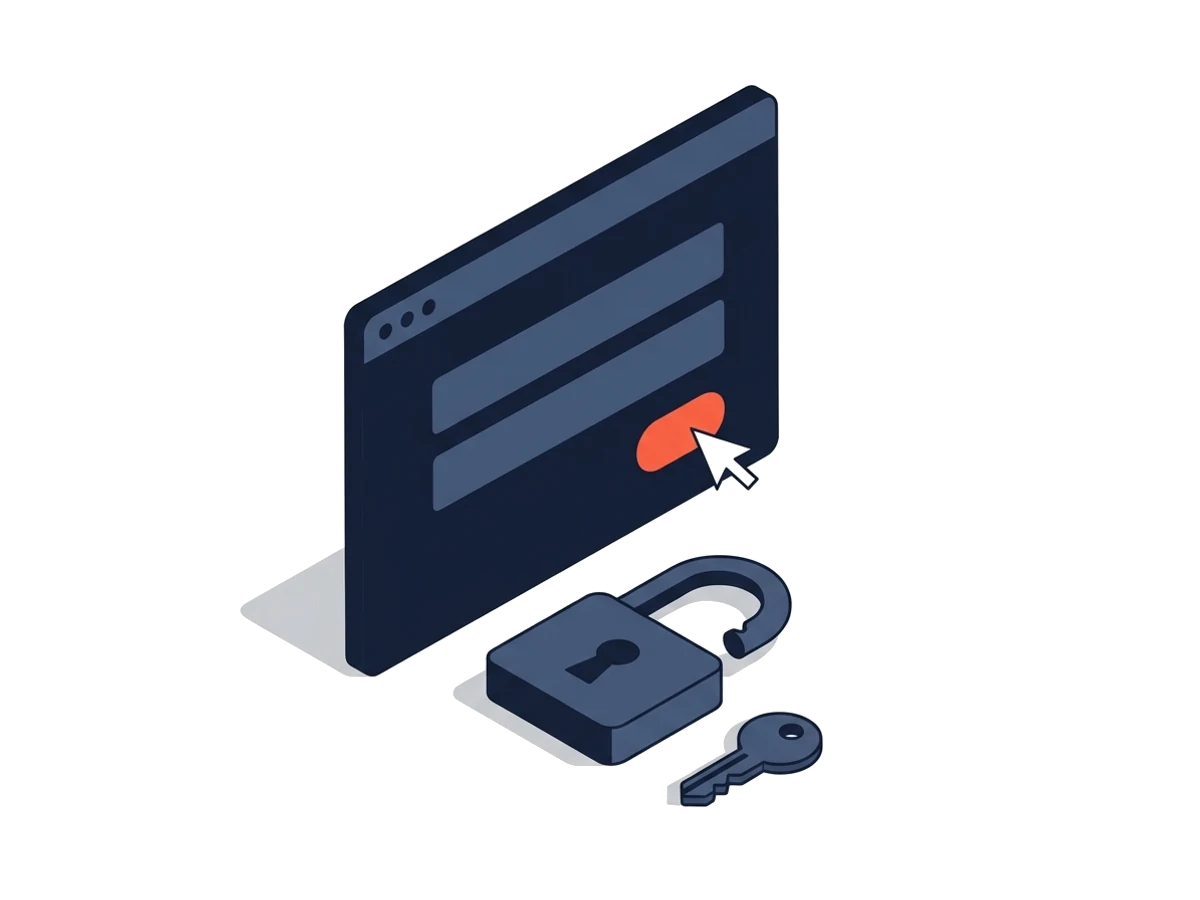
Source: web app
Your web app, explained from your demo account.
Klickdemo signs in with your demo account, explores your web app and records videos in the real interface. Credentials encrypted, never sent to the model.
-

Source: website
Your website as an explainer video.
Klickdemo explores your public website without a login and records explainer videos on the real page. Free to try with a teaser account.
-
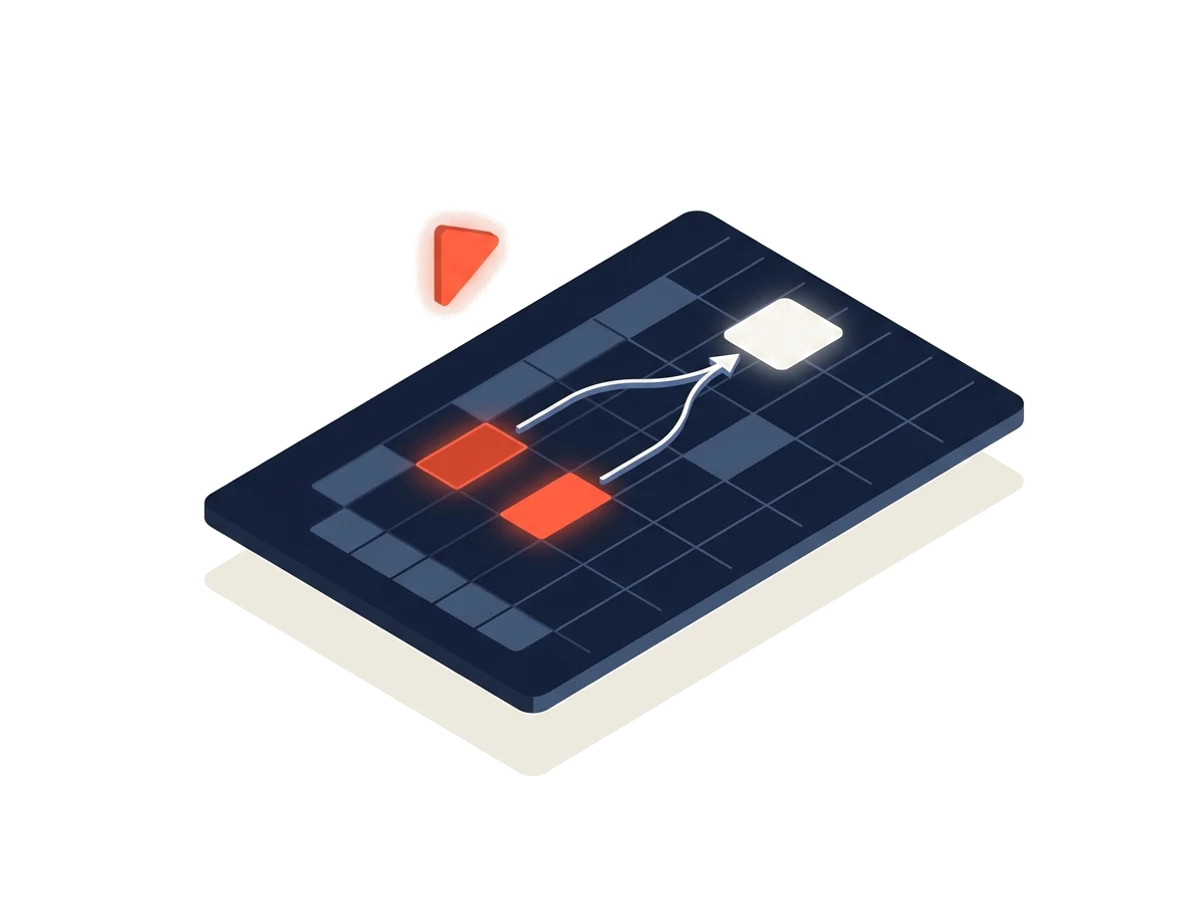
Source: Excel
Excel file
A spreadsheet as the source: Klickdemo explains inputs, calculations and results. Free to try without an account.
REC
Let your product speak.
Create an account, name the source, look at the script draft. No card, no password.