Handover to colleagues
Whoever takes over the file sees which cells are inputs, where the maths happens and what must not be touched.
Diese Seite gibt es auch auf Deutsch. Zur deutschen Fassung
Data explainer from Excel
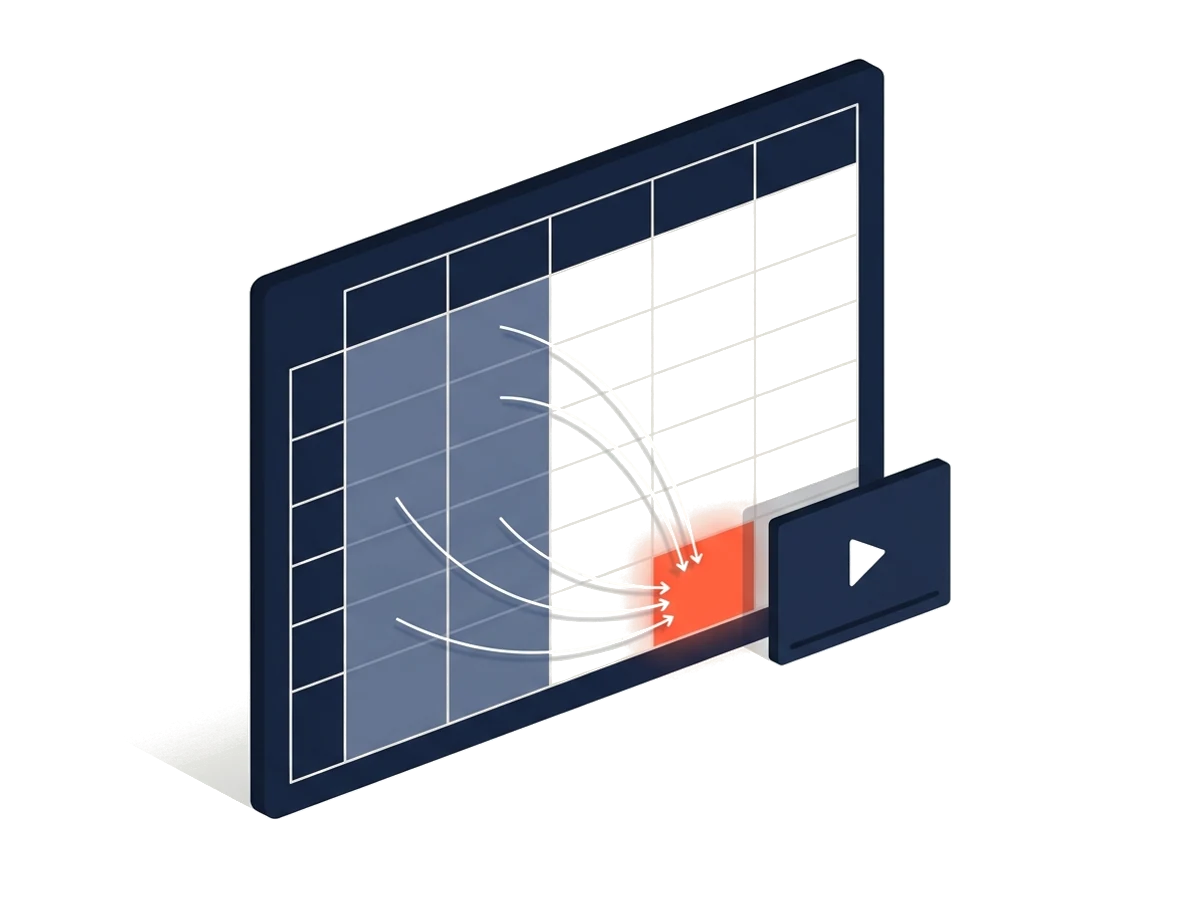
Calculations, plans, reports: often only the person who built the file understands it. Klickdemo reads sheets, formulas and dependencies, writes a script and records the explanation in its own spreadsheet viewer, with highlighted inputs, formula paths and results.
What the file is for
The inputs
The key calculation steps
The results
Caveats worth knowing
Whoever takes over the file sees which cells are inputs, where the maths happens and what must not be touched.
A quote calculator or a report becomes traceable without anyone reading formulas.
The video sits next to the file; with a new version you upload it again and update the video.
You upload the file (xlsx, xlsm, xls, ods, csv). Klickdemo reads formulas, formats, tables, named ranges and charts and builds the dependency graph.
The model sees structure, formulas and labels. The software first replaces numbers, dates and boolean values by their kind; the file itself never goes to the model.
Sheets, formula bar and highlights in step with the narration: inputs, formula paths, key figures and simple charts.
It is processed for the explanation and deleted with the project. The model sees structure, formulas and labels, no numbers; your content is not used for training.
No, the key ones. The software groups formulas of the same kind; the agent explains the calculation paths that lead to the results. You decide in the script what matters.
Exploring an Excel file costs 50 credits, the video like any new video by length. The free test without an account costs nothing.
REC
The free test needs no account and no card, only a business e-mail address.