What Klickdemo does for you
From the agent's first click to the updated video after the next release. Everything listed here is what the software does; none of it is a promise about the outcome.
01
Explore and know
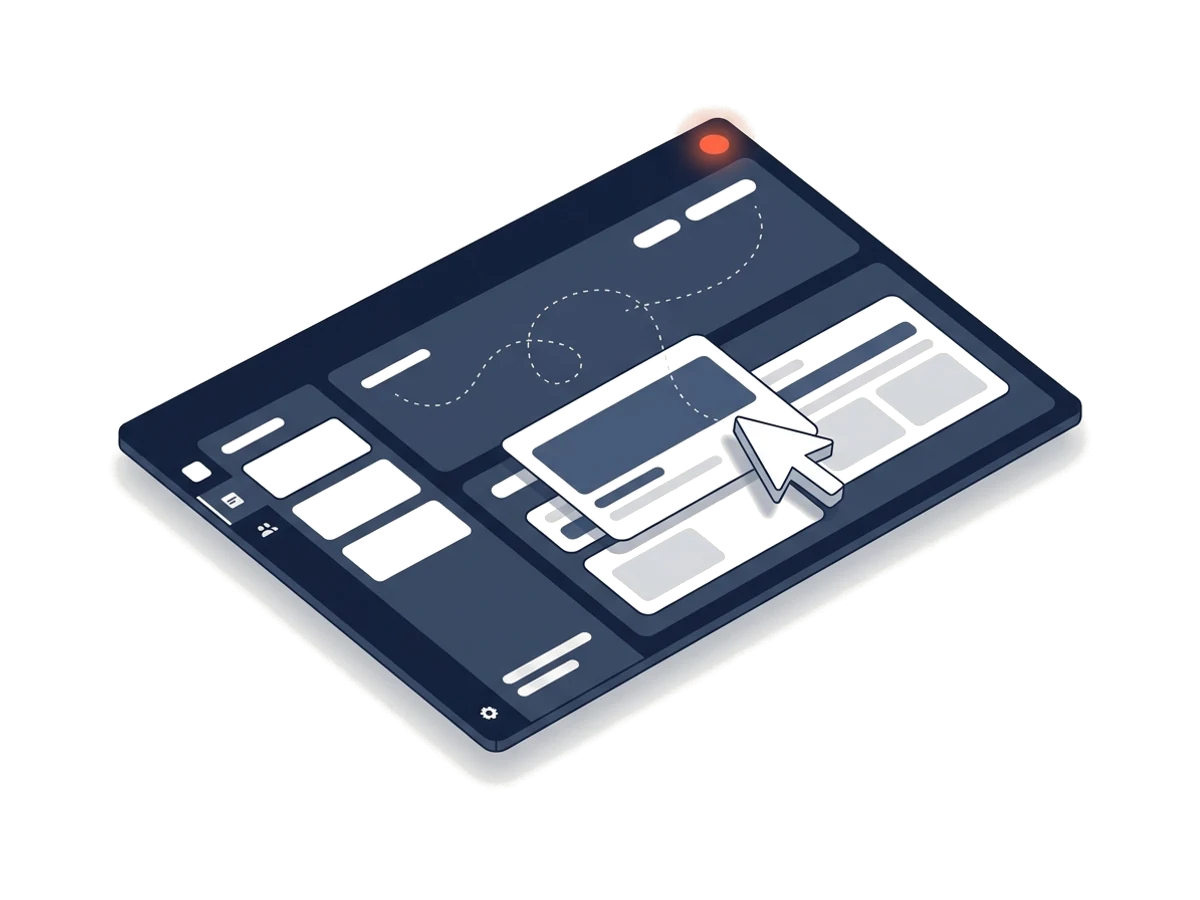
- Agent with a knowledge base
- The agent navigates your web app, recognises pages, elements and flows and stores them with their evidence in a knowledge base that every further video of the project uses.
- Three sources
- A web app with a demo account (from Starter), a public website or an Excel file. Sign-in by password, e-mail code or authenticator code; invitation and confirmation mails go to a project mail address from which the agent reads only the code or link.
- Enrich the knowledge
- Extra sources per project: public websites such as a help centre or release notes, documents (PDF, Word, PowerPoint, Markdown, text) and notes for the agent. Documents are analysed without AI first; you see the page count and credits before anything is processed.
- Allowed actions
- Per source you decide: read only, creating allowed or targeted deleting. The rules are enforced by code. Sample data that was created stays in your demo account.
- What the model sees
- Credentials never reach the model. In page texts the software replaces e-mail addresses, IBANs and card numbers before they go to the model. The model sees screenshots as your demo account looks; that is why a test account with sample data belongs in it.
- Brand detection
- Klickdemo proposes colours, logo and font from your application, each with how certain the detection is. You confirm or change them.
02
Script and video types
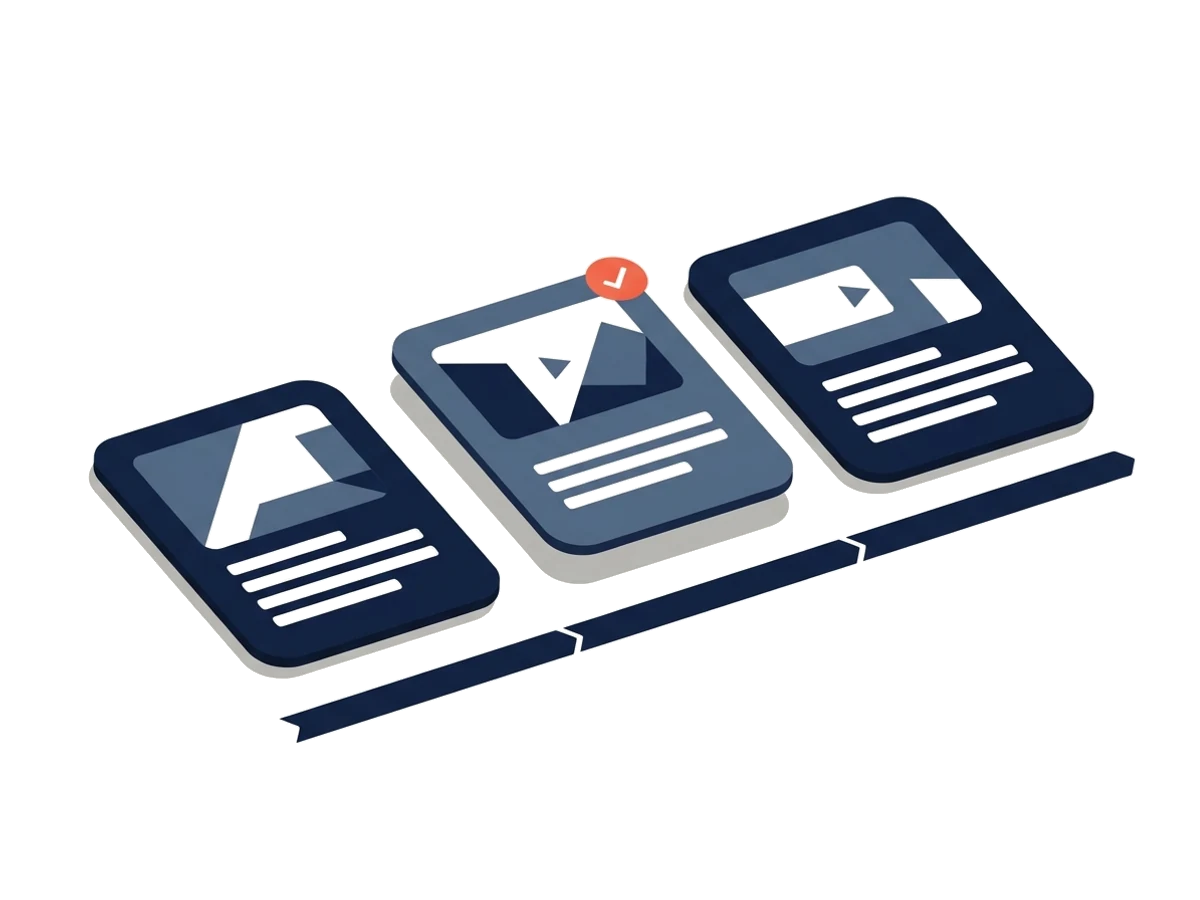
- Nine video types
- Sales demo, feature spotlight, onboarding, training, what's new, how-to, investor proof, data explainer from Excel and vertical Shorts. Each with its own dramaturgy, length and checks.
- Video series
- Six kinds: handbook, marketing, onboarding course, FAQ/support, audiences and ongoing news. The agent proposes a concept from the knowledge base: parts, shared terms, a shared intro and outro. You edit and accept it; then every part becomes its own video. When the knowledge changes, a restructure at the push of a button proposes new, changed and obsolete parts. Nothing is deleted automatically.
- Evidence, not claims
- What's new videos show only changes that a changelog or release notes back up. Investor proof shows only what the exploration verified in the running app and comes with a proof appendix. The code checks these rules.
- Scene by scene
- Outline, then script: narration, screen action, highlights, chapter name. You edit scenes directly or have the script rewritten with notes; two script versions (the first version and one revision) are included in the minute price.
- Brand rules and pronunciation
- Forbidden words, mandatory sentences, preferred terms and a pronunciation dictionary (written and spoken form apart) apply to every script.
- Check before recording
- After approval Klickdemo replays the flow without narration and without AI. If a scene fails, nothing is recorded and the reserved credits are released.
03
Recording and brand
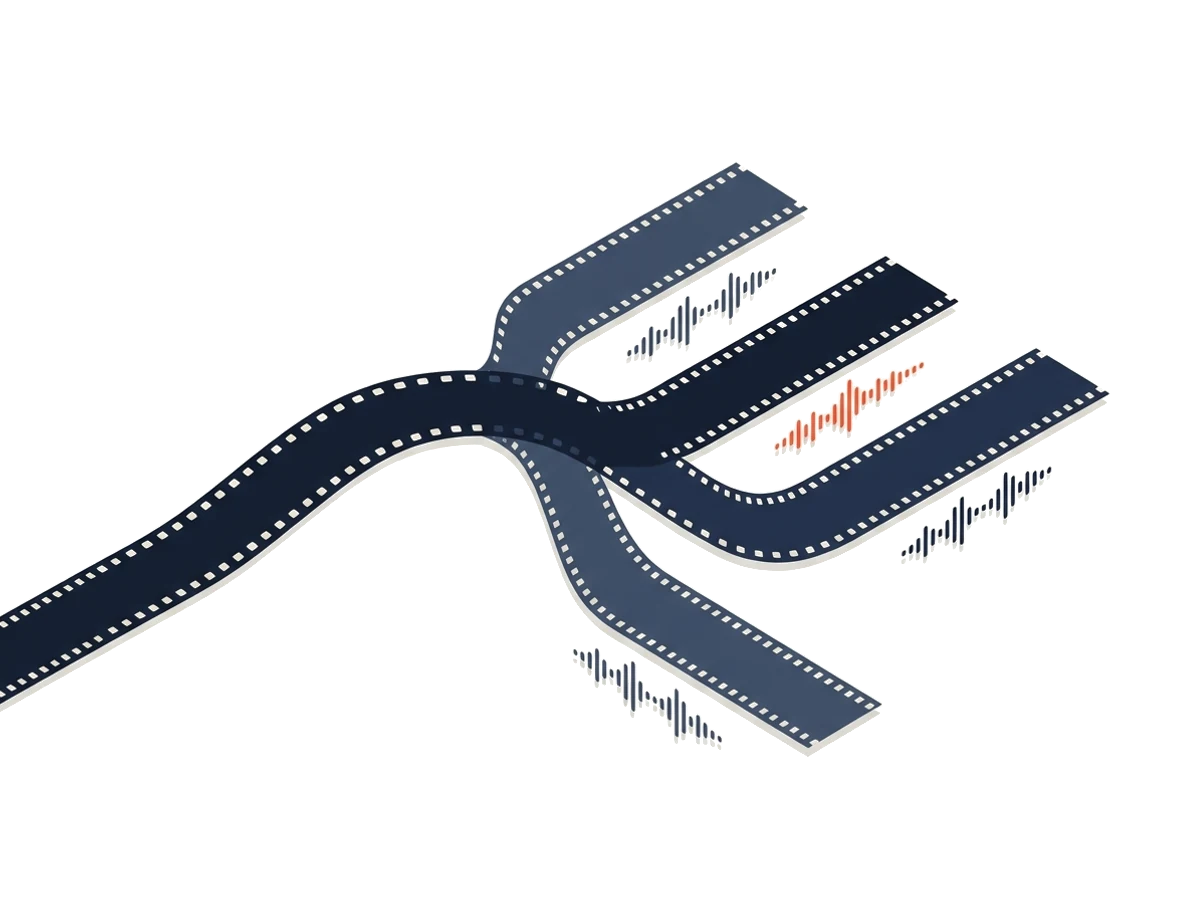
- Real interface, calm cursor
- Recording at 1920×1080 with smooth mouse moves, click ripples, zoom on what matters, spotlight and callouts.
- Vertical Shorts
- 1080×1920 with large burnt-in captions. If your app has a phone layout, Klickdemo records in it; otherwise a 9:16 window follows cursor and zoom smoothly across the desktop recording. A dry run decides automatically.
- AI narrator
- Google Chirp 3 HD, adjustable speaking rate, pronunciation dictionary. Loudness by web or broadcast profile.
- Brand and templates
- Logo, colours and font as a brand kit, three templates for title, chapter and outro cards, your own music, automatically ducked under the narrator. Which parts of the brand appear in the video depends on the plan; Business without Klickdemo branding.
- 40+ languages
- Every additional language is translated, spoken and fully re-recorded, with the interface switched when your product can switch languages and the switch is set up in the project. Every language is its own video.
- Files for every video
- MP4, captions as VTT and SRT, chapters (also as a list for YouTube), transcript, a text handbook with one image per section, poster and metadata. Machine-readable AI labelling, a note in the player, an optional line in the outro.
04
Maintain
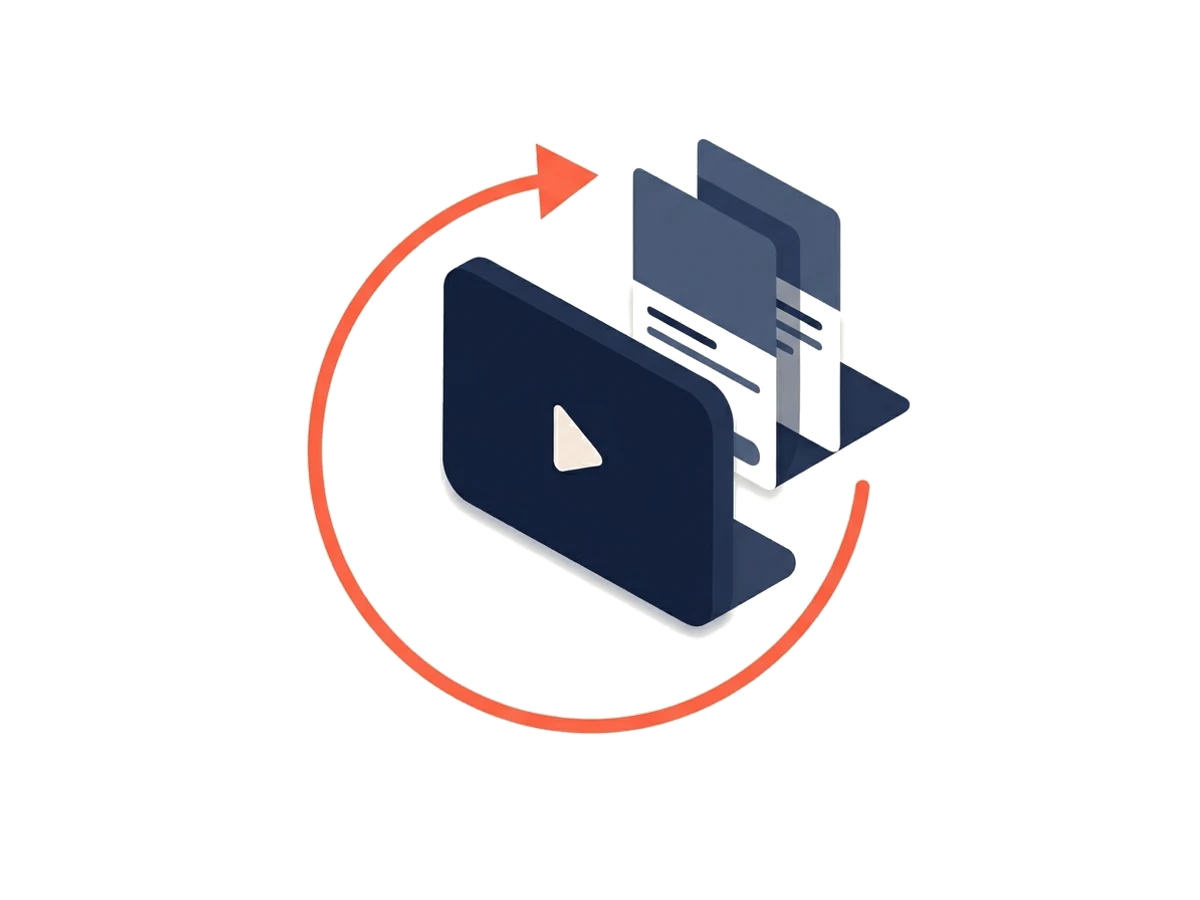
- Updates
- Replay without AI first, then explore only the drift. Repaired scenes come up for approval; the rest is re-recorded at the update rate. If more than half of the steps no longer fit, the update stops and recommends a new exploration.
- Scheduled updates
- From Pro, Klickdemo checks a video weekly or monthly against the current interface, without AI and free of charge. Only when scenes need repair does an update with credits run; you get an e-mail.
- Voice only, re-render only
- A different voice, rate or pronunciation: Klickdemo regenerates the narration and reuses the stored recording. For captions, cards, music or brand a re-render is enough. Both without a new recording.
- Keep the knowledge current
- Sources can be reprocessed or removed one by one; every version of the knowledge base knows where an entry comes from. A new exploration does not lose the extra sources.
05
Distribute and bill
- Embed player and share link
- No cookies and no stored IP addresses; we count views only as daily totals. Allowed domains and view allowance per plan, an "AI voice" note in the player.
- YouTube via Castfold
- Every language version as its own video with title, description and chapters from the script, Shorts as a Short. You connect your Castfold account; Castfold is a separate product with its own plan.
- Team without seats
- Owner, admin, editor, reviewer. Sign-in by e-mail code, no password. Unlimited from Starter.
- Traceable billing
- Estimate and maximum before every run, actual usage afterwards, failures on our side free, redo guarantee. What each operation costs is on the pricing page.
Questions about the features
What happens to my data and the credentials of my demo account?
Credentials are stored AES-256-GCM encrypted, decrypted only for the recording agent and never reach the AI model. Application and database run on a server in Germany, videos and files are stored in the EU. We currently use the language models through Anthropic's Claude API in the USA; once Google Cloud Vertex AI is approved, primarily there in the EU. Your content is not used for training on either route. You sign a data processing agreement in your account, and the sub-processors are public.
Can I give the agent more knowledge than the app itself?
Yes. For every project you can add extra sources: public websites such as a help centre or release notes (40 credits per run), documents such as PDF, Word, PowerPoint, Markdown or text (5 credits per started 10 pages) and notes, which cost nothing. Klickdemo analyses documents without AI first; you see the page count and credits before anything is processed. A source that fails costs nothing.
What is the AI allowed to click in my application?
You decide per source. The default is "read only": the agent navigates, fills forms and shows actions but never triggers anything final. Delete, pay or send is shown, not executed. If you allow creating objects, the agent creates sample data that stays in your demo account. The rules are enforced by code, not by the AI.
Which languages can a video have?
More than 40 languages, from German, English, French and Spanish to Japanese, Hindi or Arabic. Every language is a complete re-recording with its own voice and, if your product can switch languages and the switch is set up in the project, with the matching interface. No still images with subtitles are used as filler. The website and the app themselves are available in German and English.
Do I have to re-record if I do not like the voice?
No. Every recording stores picture and narration separately. "Voice only" regenerates the narration with a different voice, rate or corrected pronunciation (10 credits per minute); "re-render only" changes captions, cards, music or brand and keeps the narration (5 credits per minute). If the new narration is much longer than the scene, the app recommends a new recording.
Can Klickdemo create a whole video series, such as a manual?
Yes. There are six kinds: handbook, marketing, onboarding course, FAQ/support, audiences and ongoing news. The agent proposes a concept from the knowledge base (30 credits): parts, shared terms, a shared intro and outro. You edit and accept it; then every part becomes its own video. When the knowledge changes, a restructure at the push of a button proposes new, changed and obsolete parts; nothing is deleted automatically.
Are the videos labelled as AI-generated?
Yes. The voice is an AI voice (Google Chirp 3 HD); the video file carries a machine-readable label, the player shows a note, and the outro carries a line about it by default, which you can switch off. The label in the metadata remains.